

Hives
A Hive is a project workspace. It holds all your translation strings for one app, one product, or one section of a larger system. Think of it like a repo, but for translations.
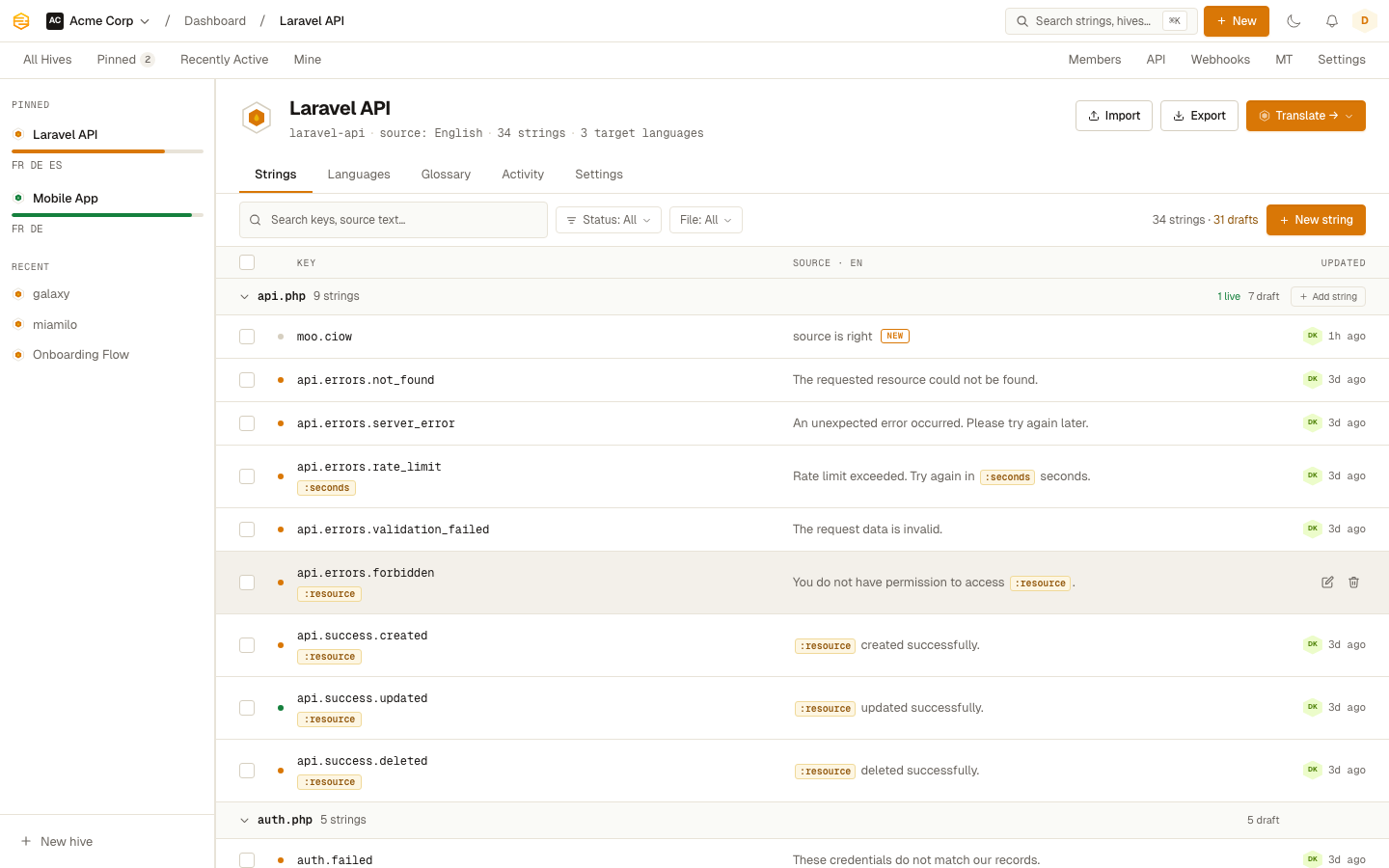
Creating a Hive
Click New Hive from the dashboard. You'll need:
- Name: anything readable, like "My App" or "Marketing Site"
- Slug: the URL-friendly identifier used in API calls and SDK commands, like
my-app - Source locale: the language your strings are written in, usually
en
The slug and source locale can't be changed once you have strings in the Hive, so take a moment with those two.
Target locales
After creating a Hive, add the languages you want to translate into. Go to Hive Settings and add locales one by one.
Each locale has two codes:
- Canonical code: the standard IETF code, like
deorpt-BR. This is what Stringhive uses internally. - Custom code: an override used in export filenames and API responses. Useful when your app uses a non-standard code like
de-ATorzh-hant.
If you don't set a custom code, Stringhive uses the canonical one.
Placeholder type
Stringhive validates that your translators keep placeholders intact. You pick the format your app uses:
| Type | Example | Common in |
|---|---|---|
| Single curly | Hello, {name}! |
i18next, PHP |
| Double curly | Hello, {{name}}! |
Handlebars, Twig |
| Colon prefix | Hello, :name! |
Laravel |
| Dollar sign | Hello, $name! |
Ruby, older gettext |
| printf | Hello, %s! / %1$s / %@ |
iOS, Android, Gettext |
| Percent curly | Hello, %{name}! |
Ruby i18n, Rails YAML |
| None | — | Plain strings |
Set this in Hive Settings. If a translator submits a translation with a missing placeholder, they'll get a warning before saving.
Hive members
By default, all team members can access all Hives. You can also assign hive-level roles to give translators access to specific Hives only. See Roles & Permissions for the full breakdown.
Pinning Hives
If you work with a lot of Hives, pin the ones you use most. Pinned Hives appear at the top of your dashboard. Click the pin icon on any Hive card to toggle it.